In store order
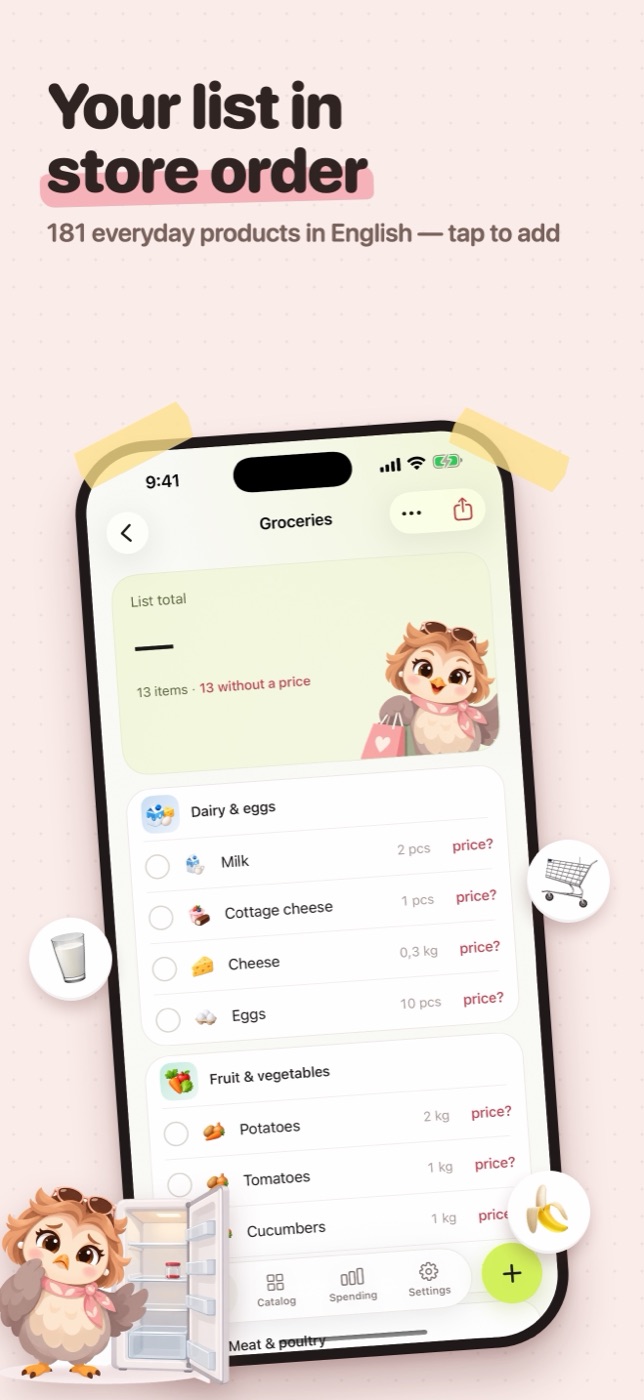
Products are grouped by department, in the order you walk the aisles, so you go through the store once and don't double back.

iPhone · Shopping list
Motya lays your list out the way you walk the store, shows what it will cost before you leave, and lets you tick things off right from the Home Screen.
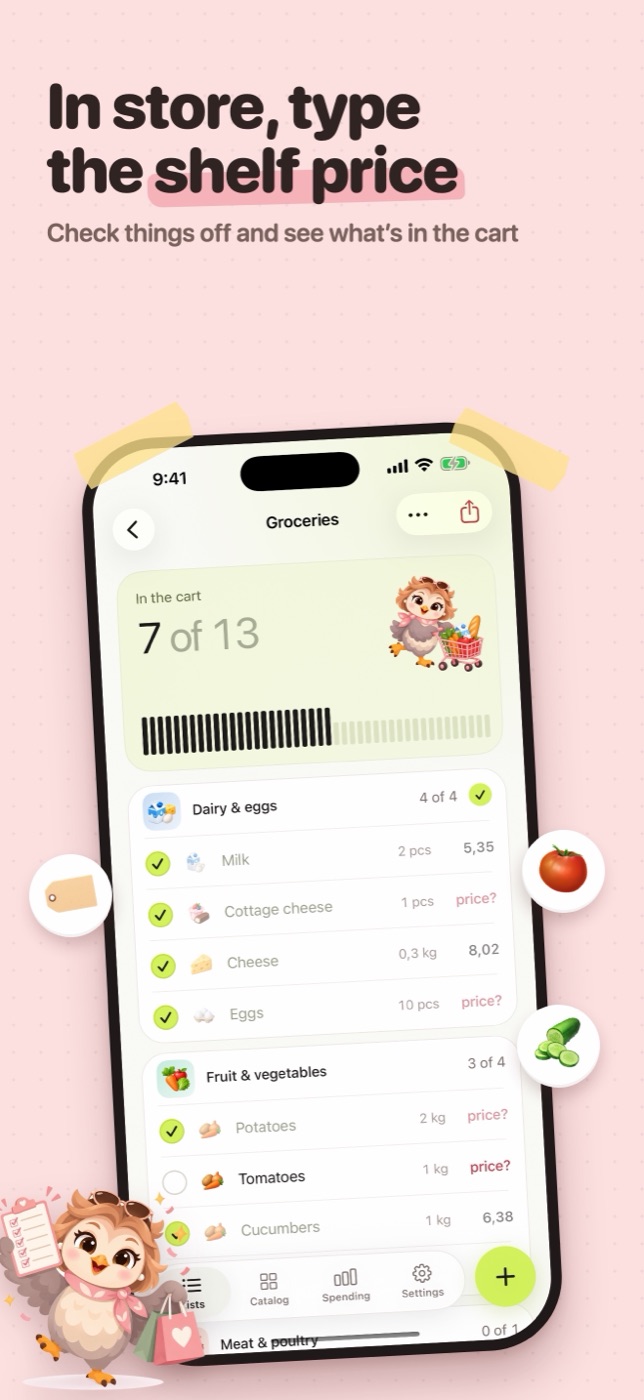
In the cart: 1 of 5
Live — tick a line, the way you do in the store.
Products are grouped by department, in the order you walk the aisles, so you go through the store once and don't double back.
“eggs 10”, “2 kg potatoes”, “milk x2” — Motya gets the amount. Not in the catalog? Press Return and it's on the list anyway.
In Belarus with the app in Russian, about 650 products come with typical store prices. Anywhere else, 181 everyday products in your language: type the shelf price once and Motya remembers it.
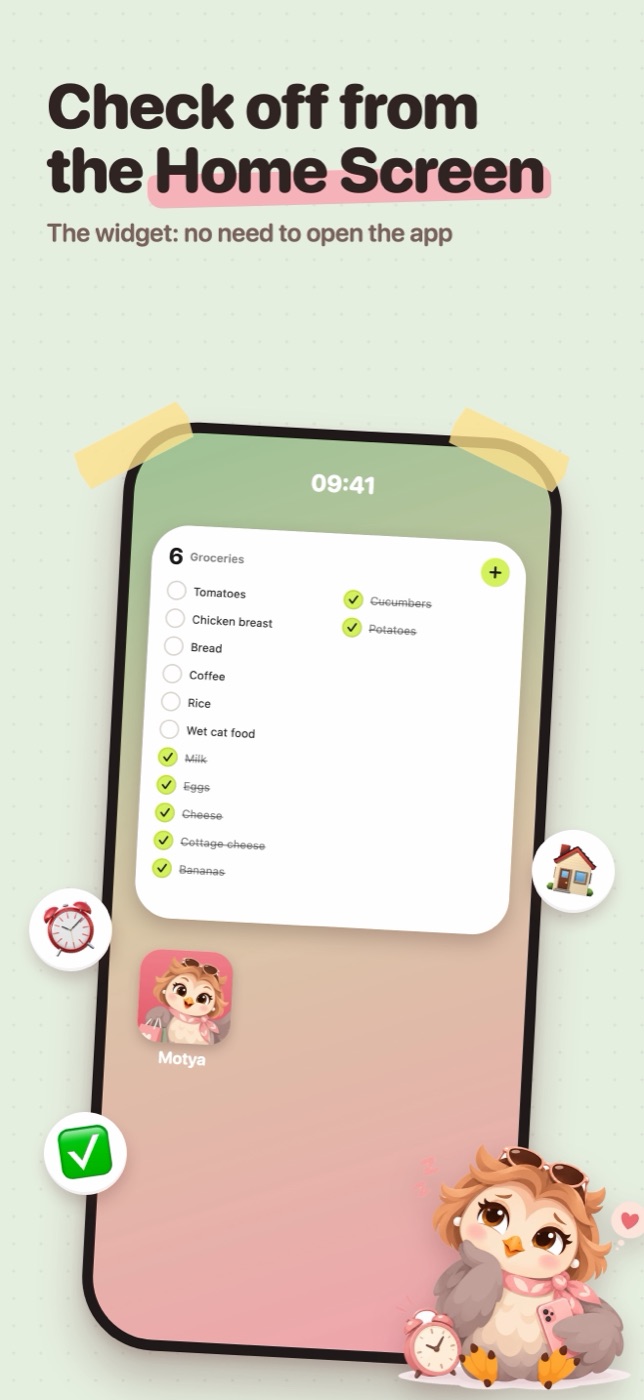
Your list on the Home Screen. Tick items off without opening the app; they're ticked in the app too.
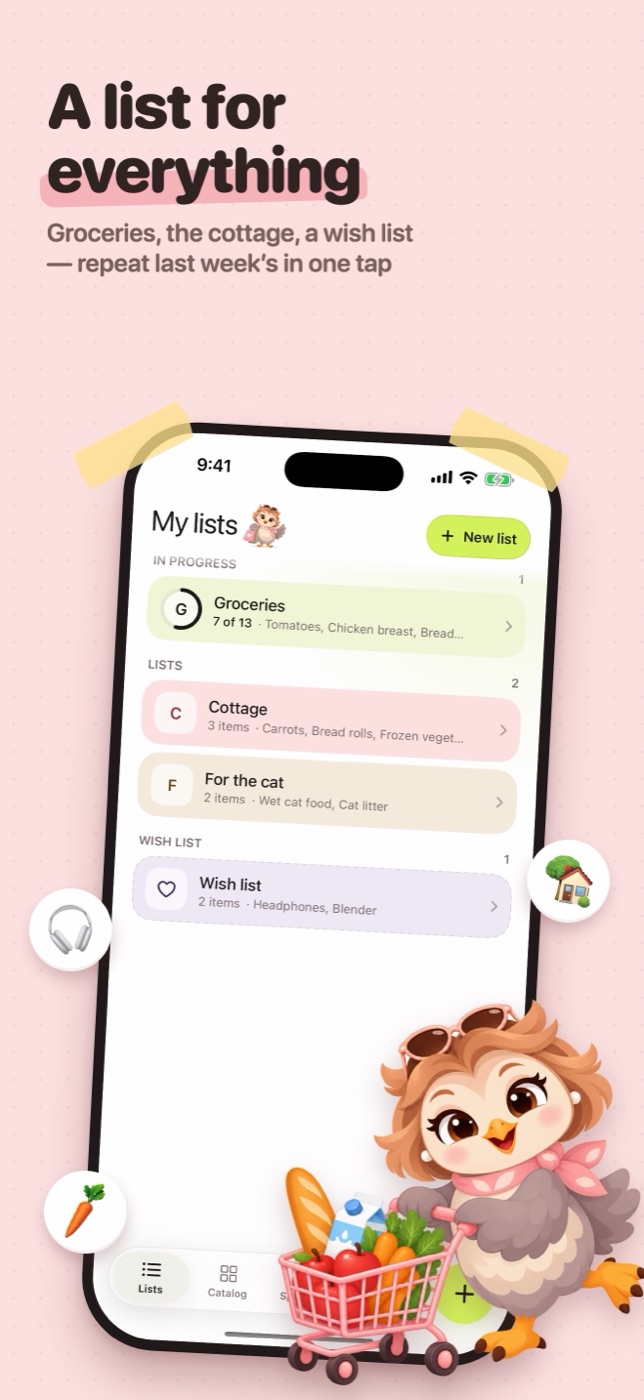
Groceries, the cottage, the cat, a wish list. Finish a list and carry over what you didn't buy, or repeat an old one in one tap.
What the month cost, by department and by week, from the prices you actually paid.
Real screens from the app.
Questions, a bug, a product missing from the catalog — write to vibeapps.contact@gmail.com, in English or Russian.
Only on your iPhone. Motya has no account and no server, so nothing is sent anywhere. Deleting the app deletes the lists.
Touch and hold the Home Screen, tap Edit, then Add Widget, and pick Motya. It shows the open list; a tap on a line ticks it.
Store prices come with the Belarusian catalog: country Belarus, app in Russian. In other countries and languages, type the price from the shelf once — Motya keeps it for next time.
Open the list and tap ··· → Finish list, or swipe a list to the left on My lists. If something wasn't bought, Motya offers to carry it over to a new list.
Settings → Clear history deletes finished lists, spending and learned prices. Open lists stay.
Motya collects nothing: no account, no analytics, no ads, no network. The privacy policy, in each of the app's languages:
Free, for iPhone with iOS 26 and later. English, German, Polish, Russian, Spanish and Ukrainian.
Download on the App Store